
![image[20]](https://blogger.googleusercontent.com/img/b/R29vZ2xl/AVvXsEhEup-ClgAQUcwxAf5yiiScQMJ0gudejoelp62NLCmHA2sketifPaZtg96JQsUO5ExxKP1GDeuk6tOt3ImTdQGv1dwfA30HJw2LUyrXDmi70Rrh37tXXBAQXhqwKZ-bjUE39lGEeandAWU/s1600-h/image203.png "image[20]") After having shared detailed tips on how to compress CSS and HTML Codes in Part-1, its now time to learn how to compress Images and JavaScript in order to Speed Up the loading time of your websites and blogs. Both graphics and JavaScript play a major role in slowing down your site load speed. So lets now discuss the remaining part of our topic.
After having shared detailed tips on how to compress CSS and HTML Codes in Part-1, its now time to learn how to compress Images and JavaScript in order to Speed Up the loading time of your websites and blogs. Both graphics and JavaScript play a major role in slowing down your site load speed. So lets now discuss the remaining part of our topic.
Note: Please save all of your files in a folder just in case you ever need to edit them. Keep all the compressed files which we will make, in a separate folder such as a publish folder.
If you have a Blogger account just download your template from the box above the editor
If you have a Blogger account just download your template from the box above the editor
Image Compression
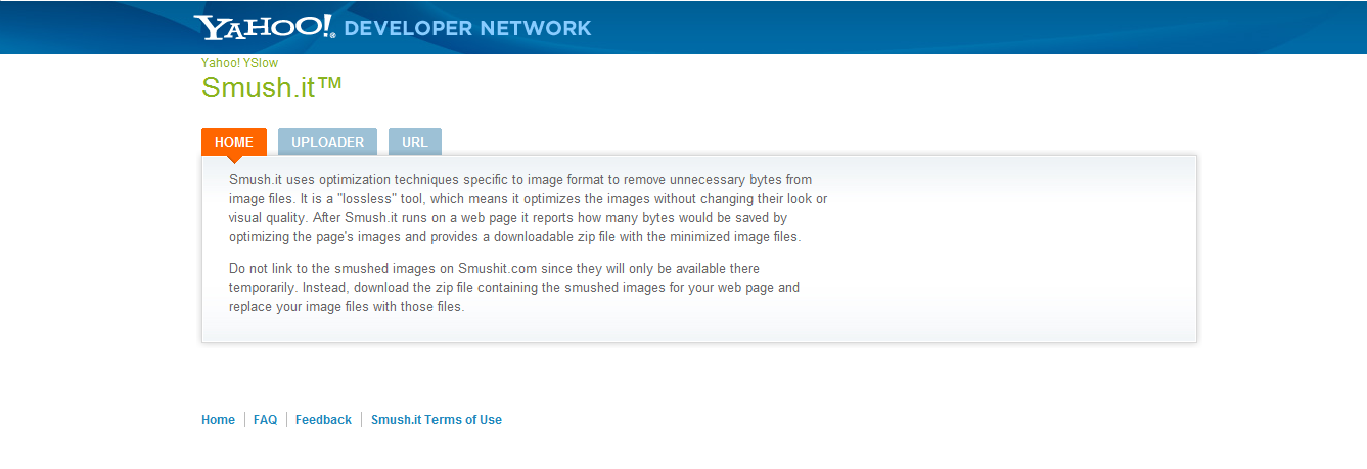
My next step is to compress my images. Save all of your blog’s images into one folder, and go to Smush it. This is an image compressing tool made by Yahoo. Upload all of your images, where they will be compressed, and download them in a zipped file. You can then re-upload them to your blog. Both techniques shown so far will decrease your page size and loading time by at least 30%.
JavaScript Compression
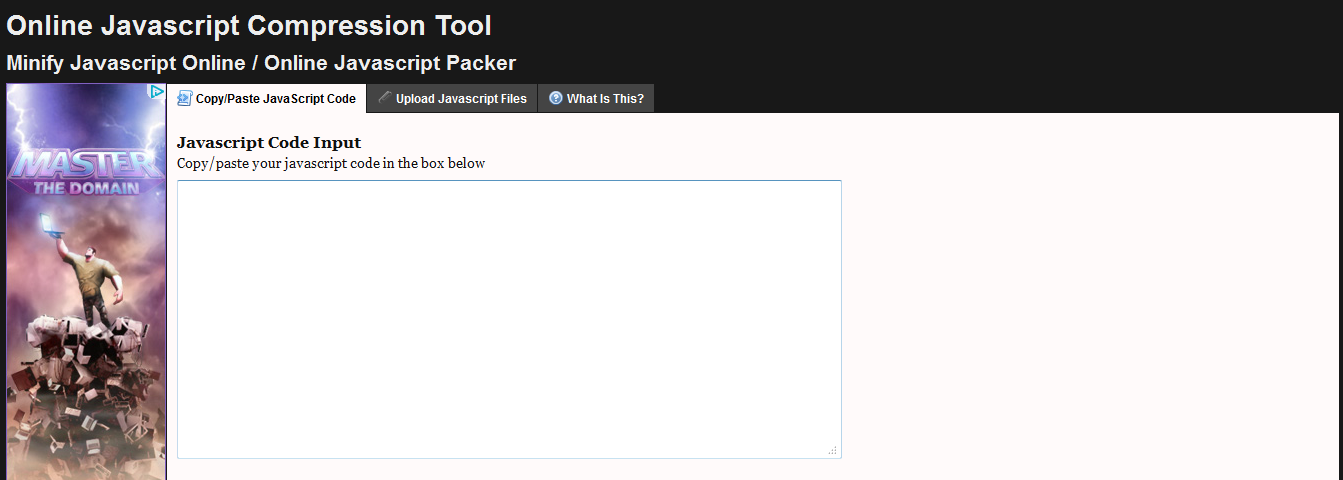
Your next step is to compress all of your JavaScript. Please go to JS Compress. Upload your JavaScript, have it compressed, and re-upload it to your webpage.
Conclusion:
We have covered all of the major aspects of reducing page size. There are more minute things however, which are covered in the web apps and MBT post listed below.
If you really want to take it to the next step, then you can download Y Slow, which is an app by yahoo, which analyses how speed optimized your webpage is, and tells you how to reduce your loading time.
Another website to check your loading speed is Pingdom Tools, or just using Google Webmaster Tools.
If you find any other good/better services, or have any questions or concerns, please leave a comment below! Hope this little help proves helpful to must of you. :>
 Anims
Anims About the Guest Author:
Anims is freelance web designer and enjoys playing around with and learning coding in his free time. He likes to write about Web Technologies such as HTML, CSS and SEO.


If you don't want to get yourself into Serious Technical Trouble while editing your Blog Template then just sit back and relax and let us do the Job for you at a fairly reasonable cost. Submit your order details by Clicking Here »
 Mohammad
6/08/2011
CSS and HTMLTricks
,
Guest Posts
,
SEO
,
Webmaster Tools
Mohammad
6/08/2011
CSS and HTMLTricks
,
Guest Posts
,
SEO
,
Webmaster Tools

where is our javascript.
ReplyDelete@anonymous
ReplyDeleteYou javascript is the code that starts with <script> and ends with </script>
@Jitendra
Forgive me brother for the late reply. That code is an auto generated code by pingdom that sends monitor reports from your site to pingdom servers. It is a dynamic URL so it will change often. It doesn't belong to your Blog URL so you don't need to worry. Its how pingdom works. Hope this helps :>
mia fost de folos
ReplyDeletenice info..my blog become kind of faster after i implement this step above
ReplyDeleteThankssssssssssssssssssssssssssssssssssss
ReplyDeleteI'm getting this errror "Unexpected token: operator (<)" please help!!!
ReplyDelete@Asad Shamsi
ReplyDeleteme too..plz help me...hohoho