

Note:
Please save all of your files in a folder just in case you ever need to edit them. Keep all the compressed files which we will make, in a separate folder such as a publish folder.
If you have a Blogger account just download your template from the box above the editor.
CSS Compression:
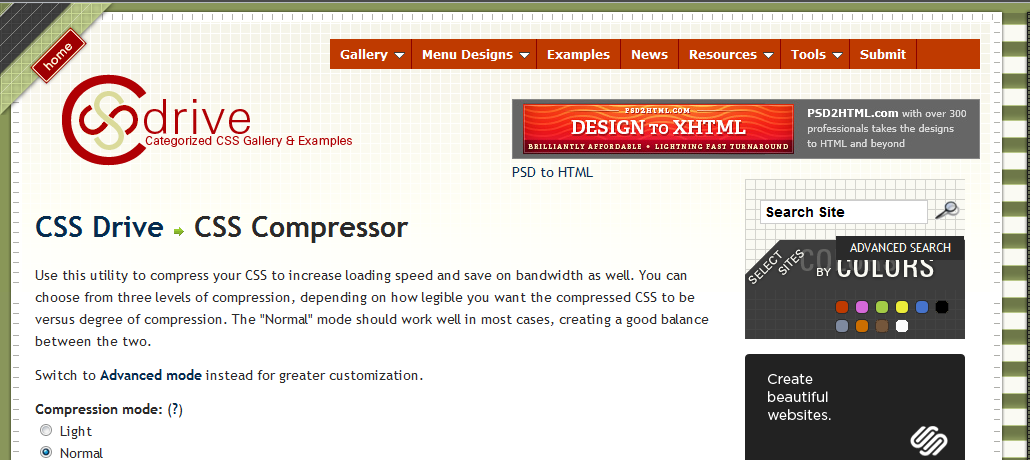
Decreasing page size will ultimately reduce load time and make your webpage more SEO friendly. The first step is to compress your CSS. I would recommend keeping one copy for later editing, and one copy for compression. Go to CSS drive, and select whichever options you want for compression (I recommend Super compact, and strip all comments). After you have submitted your CSS, either put it into an embedded style sheet, or use an external style sheet, whichever you prefer.
HTML Compression
Lastly, we are going to compress our html. Go to Text Fixer and paste your entire html markup there. After it is compressed, you may paste it into the blogger editor, or into your webpage file. This will remove all comments, spaces etc. However, for editing purposes, I would still recommend keeping a separate copy in case you need to change your template.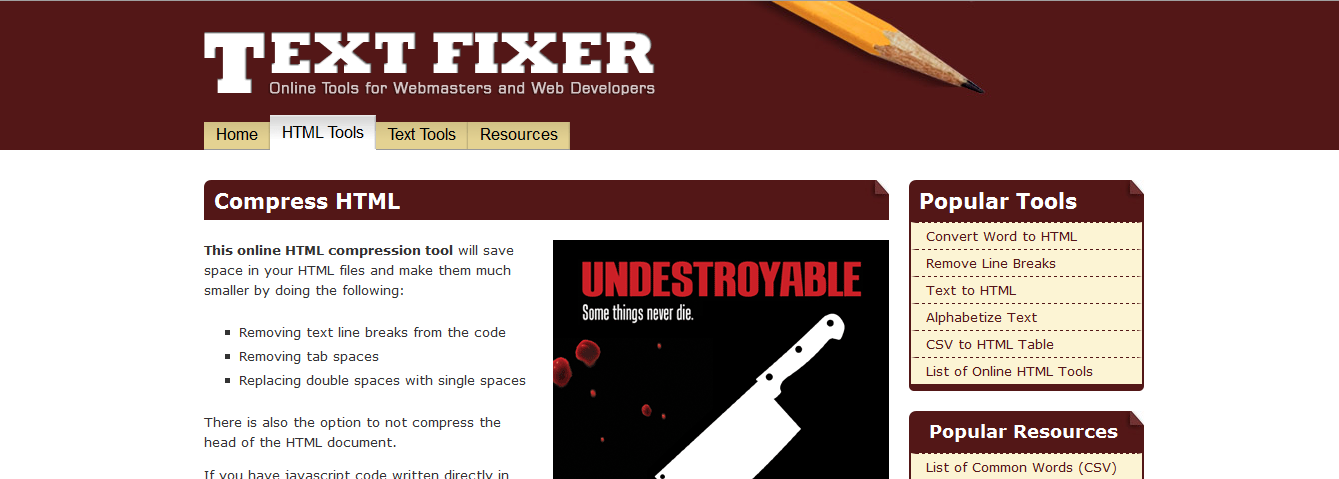
Part 2
To read the remaining part of the tutorial guide kindly click the link below,
If you find any other good/better services, or have any questions or concerns, please leave a comment below! That’s it for part 1! I hope you have fun improving the load time and speed of your site or blog(s)! :>
 Anims
Anims
About the Guest Author:
Anims is freelance web designer and enjoys playing around with and learning coding in his free time. He likes to write about Web Technologies such as HTML, CSS and SEO.


If you don't want to get yourself into Serious Technical Trouble while editing your Blog Template then just sit back and relax and let us do the Job for you at a fairly reasonable cost. Submit your order details by Clicking Here »
 Mohammad
6/08/2011
CSS and HTMLTricks
,
Guest Posts
,
SEO
,
Webmaster Tools
Mohammad
6/08/2011
CSS and HTMLTricks
,
Guest Posts
,
SEO
,
Webmaster Tools

Good Post Anims, I would recommend external stylesheets for faster page load time because the css file will be cached in the browser and it does'nt have to download the css file again when you visit other pages,right?
ReplyDeleteMohammad, I got the new blogger design yesterday and i am very dissapointed with it. It does not have the most important button, i.e edit HTML :( :(
ReplyDelete@Amit M B
ReplyDeleteYup there is no Edit HTML. I too got it 2 days ago.
Use blogger.com instead of draft.blogger.com :)
tq for the nice info..my blog become much lighter after doing all the method above..tq
ReplyDeleteVery nice info :)
ReplyDeletegood article gan...
ReplyDelete